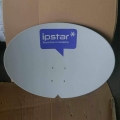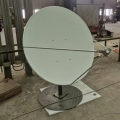
- Antenna pot series
SMC antenna ordinary antenna Small antenna pot, KU receiving antenna, Engineering receiving antenna and mesh receiving antenna - LNB
- SATELLITE FINDER
SATELLITE FINDER MODULATOR - Hotel TV Solution
C-band satellite scheme Hotel TV Plan - Satellite accessories
SatelFinder Splitter DiSEqC Switch Satellite fixture Cable components and audio and video plugs - Satellite HD BOX
Set-top Boxes HD BOX 92.2 Set-top Boxes Ground wave set-top box Digital TV receiving card - modulator-card
TV Tuner PCle TV Tuner USB
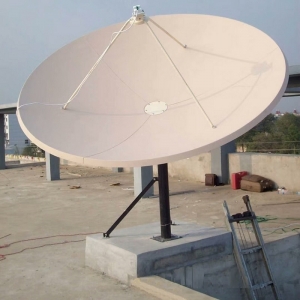 |
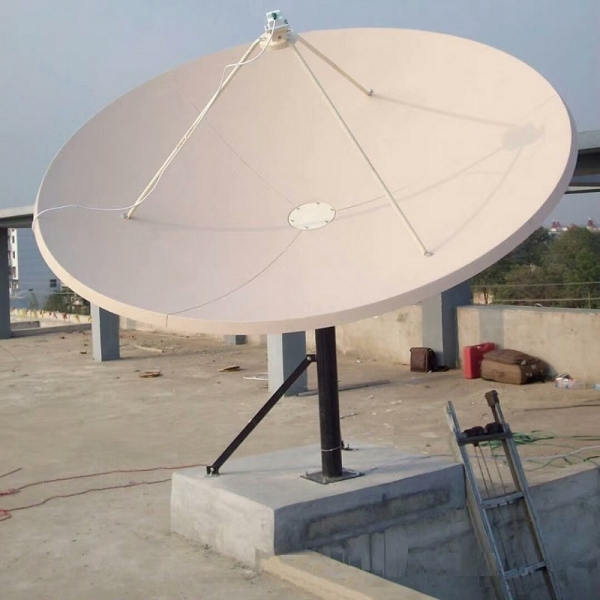
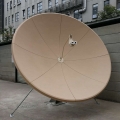
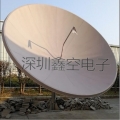
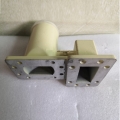
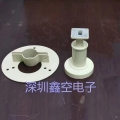
Technical Features of SMC Antenna 2.4m series
The Huada 2.4-meter fiberglass antenna is a commonly used communication antenna with a wide range of application scenarios. Here are some operation steps for the Huada 2.4m fiberglass antenna:
Installation: Before installing the Huada 2.4-meter fiberglass antenna, make sure to choose a suitable installation location and follow relevant regulations and guidelines. Ensure that the antenna is firmly installed on a stable support structure, avoiding excessive distortion or deformation.
Adjustment: After installation, adjust the Huada 2.4-meter fiberglass antenna to ensure correct connection with communication equipment. Adjust the angle and direction of the antenna to achieve optimal signal reception and transmission performance.
Maintenance: Regularly maintain the Huada 2.4-meter fiberglass antenna, including cleaning, inspecting, and replacing damaged components. Keeping the antenna clean can reduce signal interference and improve performance.
Monitoring: Use monitoring equipment or software to monitor the performance of the Huada 2.4m fiberglass antenna. This can help you detect and solve problems in a timely manner, ensuring the normal operation of the antenna.
Backup: To prevent unexpected situations, it is recommended to regularly backup the relevant data and configuration information of the Huada 2.4m fiberglass antenna. This can quickly restore the working status of the antenna when needed.
Please note that the above steps are for reference only and may vary depending on the specific application scenario and device. Before performing any operations, please refer to relevant user manuals, technical documents, or professional guidance.